Install Database Objects
This section covers the installation of EPMware database objects including tables, indexes, stored procedures, and other schema objects.
Prerequisites
Before installing database objects, ensure:
- Oracle EMPWARE Schema is already created with all necessary grants
- Oracle client is installed on the machine from where Database Objects are being created. This machine does not necessarily have to be EPMWARE server. It can be any machine from where Database where EPMWARE schema is installed is accessible.
- Oracle database connection entry is available in TNSNAMES.ora file. To test the database connectivity, use SQLPLUS (Oracle Client).
- Jython (Latest version) is already installed and its location is in the PATH. (For windows add location of jython’s home directory in the path).
Install EPMWARE Schema
- Copy the database schema install zip file (ew_db_install.zip) to the database server (OR on a server which has a database client and can connect to EPMWARE Database).
- Unzip the file
-
Run
*ew_install.bat*for windows and*ew_install.sh*for Unix Operating systems. This script will expect three mandatory and two optional parameters.- Database Schema Name (For example EW)
- Schema Password
- Database sid (As configured in tnsnames.ora file of the database client)
- Delete Objects Y/N - Default N (In case you want to delete all EPMWARE objects and reinstall all objects from scratch.)
- Resume Y/N - Default N (Pass Y to resume from the prior failed installation step)
-
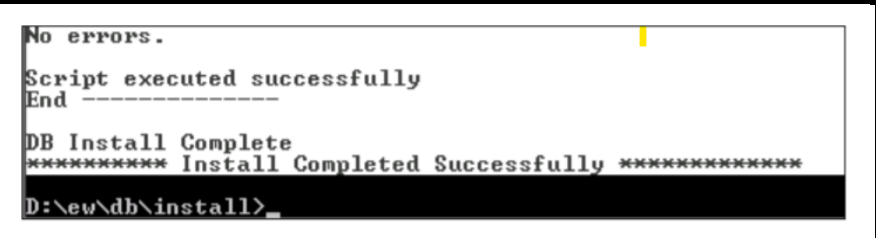
Result of the batch file will be as shown below.
5. Check the ew_driver.log log file for any errors.