Install CYGWIN
If the EPMware application is installed on a Windows server, install cygwin if it is not already installed. In addition to this server, Cygwin will need to be installed on all target servers which have windows o/s and target application are managed by EPMWARE.
Download cygwin from www.cygwin.com and follow instructions on the cygwin site: Cygwin Installation Link
Install Cygwin
-
Download Cygwin and save the
setup.exefile to your Desktop. -
Run the
setup.exefile. -
Select the defaults for the following options:
- Install from Internet
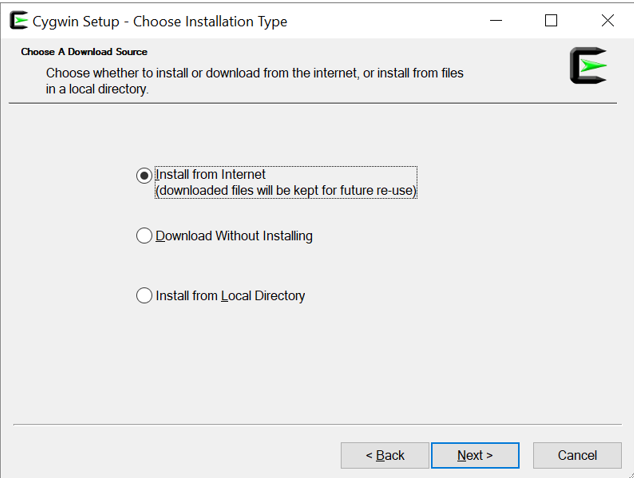
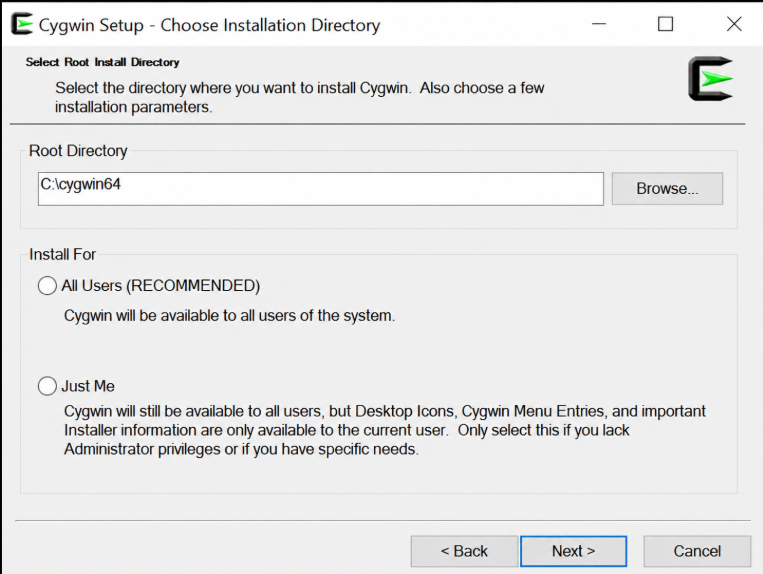
- Install Root Directory:
C:\cygwin64 - Install For: Select the appropriate option based on the EPMware agent environments configured on the server:
- Select All Users if multiple EPMware agents/environments will be configured on the server, for example, UAT, Development, or Production.
- Select Just Me if only one environment is configured and the selected user is the user who will run the EPMware agent.
- Install from Internet
-
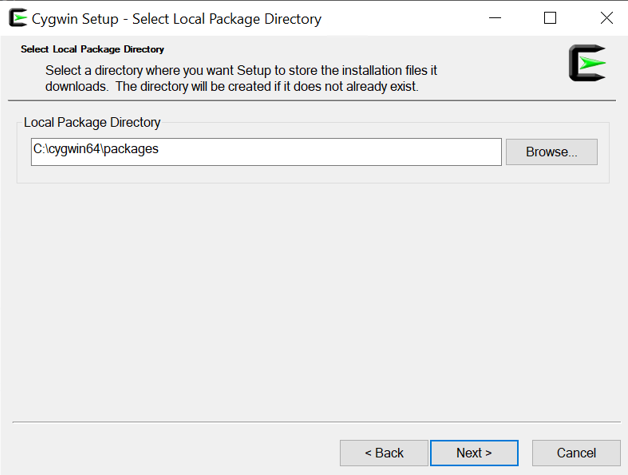
Specify a folder for the local package directory that is not the Cygwin root folder.
Example:C:\cygwin64\packages
-
Specify the connection method.
For example, if the host is connected to the Internet through a proxy server, specify the proxy server. -
Select the mirror site from which to download the software.
-
Package Installaton : A full Cygwin installation is not required. The Cygwin installation will automatically include the required base packages and dependencies. Install the
zipandunzippackages only if they are not already installed and available on the server.
Windows Service Registration
Register Tomcat as a Windows service using service.bat script.